Every roomneeds a director.
Escape room software for the clock, clues, screens and props in every room.
Keep playing when the internet drops, and learn from every game.
- Games runGames run on the platform
- 7,971
- Game actionsGame actions recorded
- 142,004
- UptimeUptime, trailing 12 months
- 99.95%
Sixty minutes. Every lever in reach.
Follow one Saturday-night game, from the door closing to the record on the lobby wall. Keep scrolling and the room clock runs.
Game running
- 60:00Live View
- 47:20Clues
- 38:05Props and Automations
- 21:30Offline play
- 04:12Leaderboards
- +1 dayAnalytics
The door closes.
One click starts the clock on the Game Master's screen and on the players' screen in the room. Live View shows only what you send it, dressed for this Room.
Players’ screen · Live View, dressed for The Archivist's Study
The Archivist's Study
60:00
Welcome, The Night Owls. The Archivist left in a hurry. Find out why before the hour is up.
Room DashboardStart gamePause+1 min60:00They stall on the cipher.
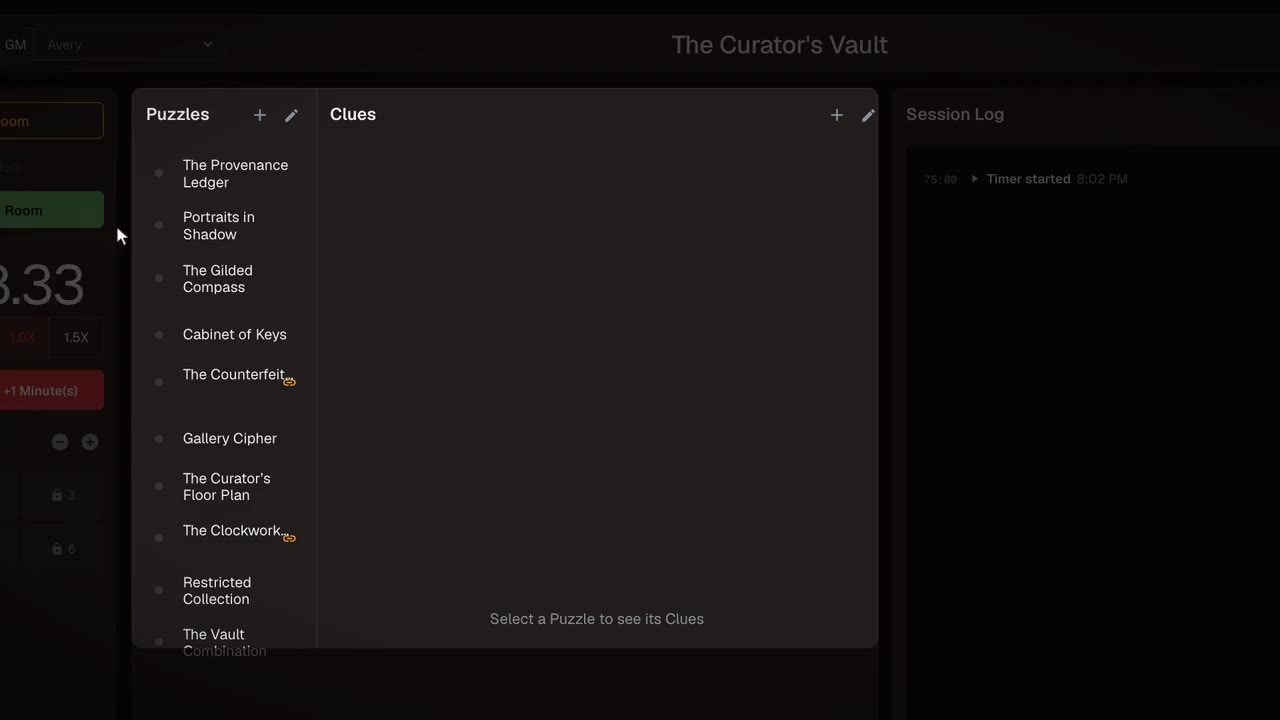
The Room Dashboard shows which Puzzle is open and for how long. Send a Clue you wrote in advance, or type a new one. It appears on their screen and in the Session Log.
Puzzle · Cipher wheelOpen 12:40Clues you wrote
- 1Count the books on the second shelf.52:05
- 2The clock on the mantel has been lying since 1897.Send
- 3The wheel's first letter is the hour hand.
On their screen · 47:20 The clock on the mantel has been lying since 1897.
Session Log47:20 · Clue 2 sent · Cipher wheel · Maya
The safe opens itself.
A prop connected through Room Connector reports the solve. The Puzzle completes, and the Automation you built dims the lights and plays the creak, with nobody touching a thing.
SignalWall safeRoom ConnectorEscape DirectorAutomation · The safe opens- WhenWall safe reports solved
- ThenStudy lights fade to 20%
- ThenPlay “Hinge creak”
- ThenComplete Puzzle “The safe”
The internet drops.
Nobody in the room notices. The prepared Room Station keeps the clock, the controls, Live View and the media running, and saves the session to disk until the connection returns.
Room StationInternetStill running in the room
- Clock21:30, running
- ControlsReady
- Live ViewOn the players' screen
- Clues and mediaStored on this computer
Session saving to disk · syncs once back online
They escape.
Stop the clock and the game is recorded: the result, the time and the Clues used. The lobby leaderboard has updated before the team has their coats on.
Session recordedSaved- Result
- Escaped
- Time
- 55:48
- Clues
- 2
Lobby leaderboardThe Archivist's Study · This month- 1Lock Ness Monsters41:02
- 2The Night OwlsJust now55:48
- 3Clue-less57:10
The numbers are waiting.
Every finished game feeds Analytics. This month groups needed four times as many Clues on the cipher as on any other Puzzle in the Room, so it is the one to rework before tonight.
AskWhich Puzzle do groups need the most Clues on?
Clues sent per gameLast 30 games- Bookshelf0.2
- Cipher wheel4× any other Puzzle1.2
- The safe0.3
- Final door0.1
What operators say
“Escape Director was already the best, but we told them we had lost internet once and they implemented offline mode in less than a week!”
“We barely need to train game masters anymore. Escape Director is really that simple. The analytics also add a whole new layer of visibility we never knew we needed.”
“I've tried a handful of escape room software in the past, but none of them have been as intuitive as Escape Director. It's a game-changer for our daily operations!”


Questions at the door.
Something else on your mind? Live chat is answered by the person who writes the software, or send us a message.
Escape Director does, if the Room is prepared first. Each Room stages its clock, controls, Live View and media locally before a game starts. If the connection drops mid-game the Game Master keeps full control and the players see no difference. The session saves to disk and submits itself once you are back online.
Training time depends on your Rooms and process. The Room Dashboard keeps what is running, what is solved, and what to send next on one screen, so a new Game Master can learn the workflow in the same place they run the game. The same record stays visible if another Game Master takes over mid-game.
One supported desktop or laptop per Room as its Room Station, plus a TV or monitor as a second display. The Room Dashboard stays on the Game Master's screen and Live View moves to the player-facing display. A third browser-capable screen can show the lobby leaderboard.
Yes. Connect props through Room Connector on the Room Station: a physical solve completes its Puzzle, and Room Automations can start Clues, audio and lighting or send a prop a command. Use Escape Director firmware on a supported controller, connect devices that already talk on your network, or bring your own code with the free, open-source Device SDK.
Yes. Book a demo and we will go through what moving from your current system involves. Most moves need some setup on our side, and we do that part with you. Build your Rooms during the 30-day trial while your current system keeps running, then cut over when your team is ready.
No. One plan covers unlimited Rooms and games at each location, so a fourth Room costs the same as running one. Every feature is included, including ones that ship after you sign up.
Start the clock on your next game.
Build a Room during your 30-day trial, run it beside whatever you use now, and switch when your team is ready. One plan covers every Room at your location: $59.99 a month, or $599.99 a year.
No charge for 30 days. Cancel anytime.Or book a 30-minute demo