
All features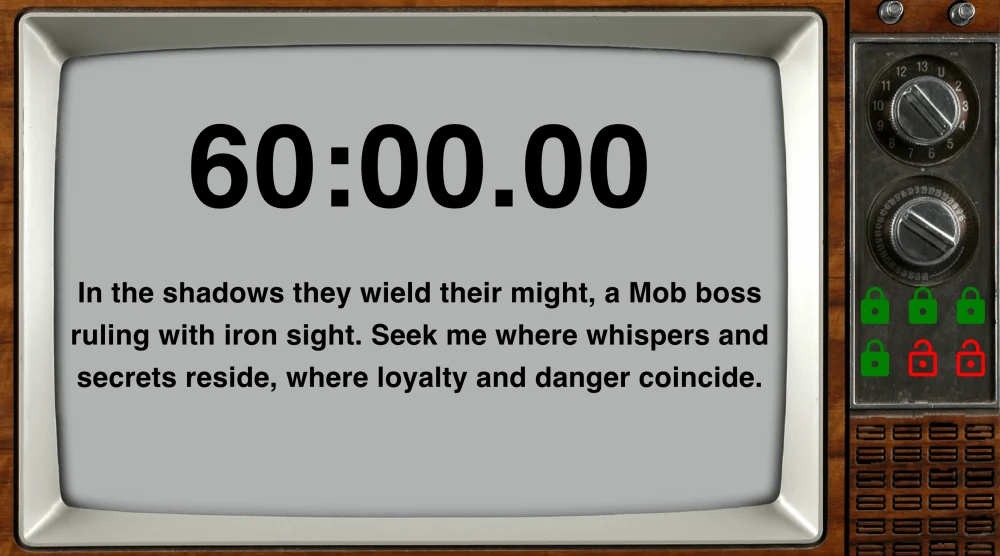
Live View
Make the Screen Part of the Room
Turn the attached player-facing display into part of the Room. Choose a background color, image, or video; position and style the timer and messages; add a soundtrack and alert tone; then move the separate Live View window onto the screen your players watch.
LIVE VIEW APPEARANCE
Background
Mob Boss
Timer
96 px · centered
Message
72% width
Room-Specific Backgrounds
Use a color, image, or background video to make each Room's Live View fit its theme.
A Timer That Fits
Show or hide the timer, then choose its color, size, and position on the player display.
Messages Styled Your Way
Set message text and background colors, width, size, and position without changing the clue itself.
Sound and Video Built In
Add a room soundtrack, alert tone, intro video brief, or background video alongside the live game content.