
Tour the whole building.
Run the game, dress the players' screen, automate the cues, wire up your props and learn from every session. Every one of them comes with the one plan.
- Enter
Game Control
Control the clock, clues, puzzles, and media while every action is logged as it happens.
- Enter
Automation
Trigger clues, media, timer changes, and room actions from puzzles, the clock, or a game master.
- Enter
Hardware
Connect your props so a physical solve completes its Puzzle and starts the Room's response.
- Enter
Live View
Customize the player-facing screen for each room, from its background to the timer and messages.
- Enter
Analytics
Turn completed sessions into dashboards, comparisons, and answers grounded in your data.
- Enter
Reliability
Keep the room running through an outage, save the session locally, and sync when the connection returns.
- Enter
Leaderboards
Show live standings on any lobby screen, styled for your venue and updated as games finish.
- Enter
Scale
Run unlimited rooms and sessions for one flat rate, with support when you need it.
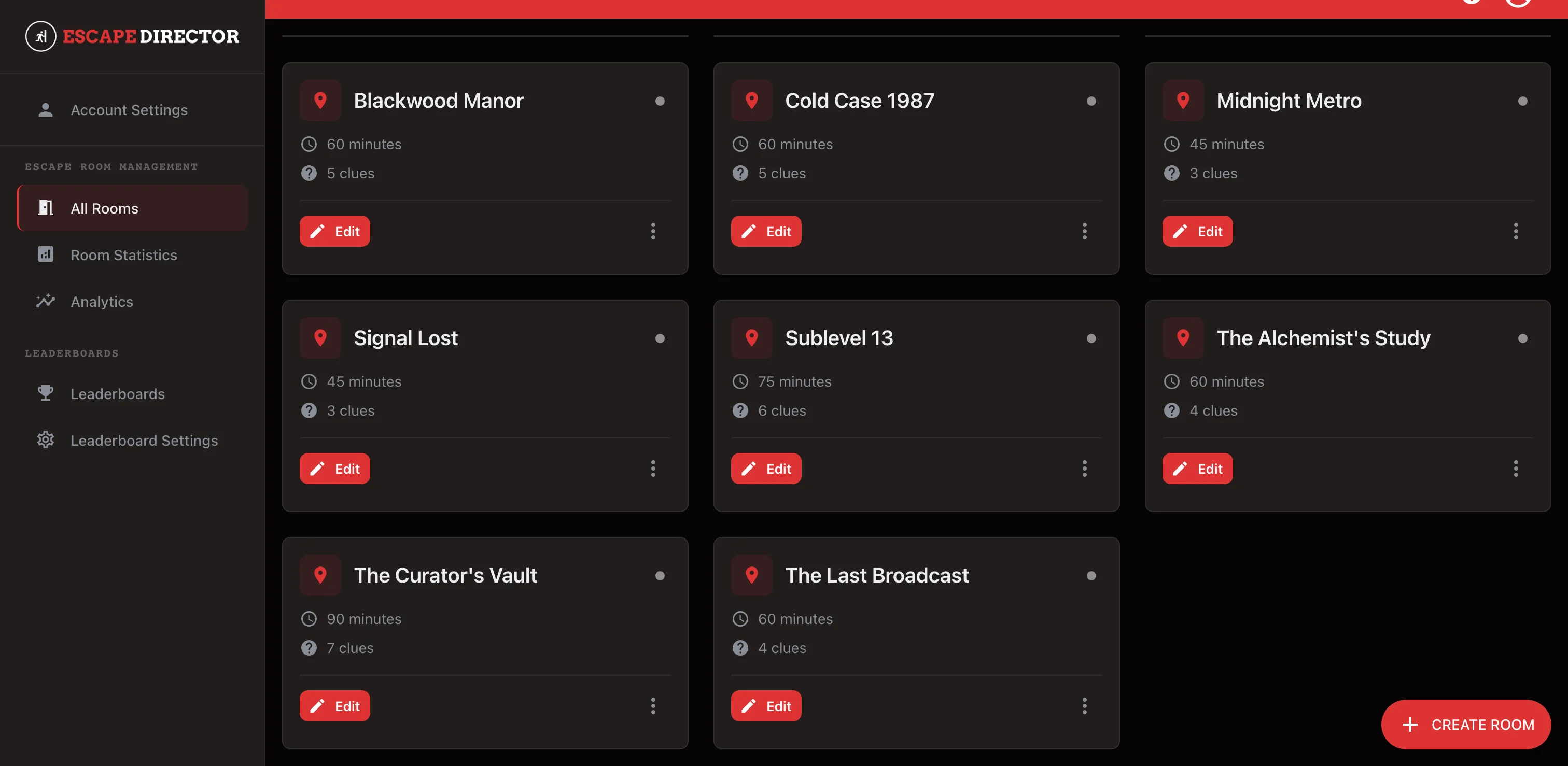
New rooms open on the same plan. Latest: Hardware Integration.
Already running something else?
Most operators come to us from another system or a homemade timer. Moving is the part people put off, so here is what it actually involves. Or book a 30-minute demo.
- 1
Build it before you switch
The trial runs 30 days. Set your rooms up alongside whatever you use now, run a few games on it, and cut over on a quiet shift rather than a Saturday.
- 2
We’ll help you move
If your current app has data it can export, we’ll help you bring it into Escape Director. If it does not, we’ll still help you set up your rooms and plan a clean switch.
- 3
It runs on what you already own
Run each room from one supported Windows or macOS computer in Chrome or Edge, with Live View on an attached second display. A lobby board can use a separate browser-capable screen.