
Ask Analytics
Ask a question about a Room in plain language and get an answer built from your completed Room Sessions, with the numbers and the limitations that produced it. Ask Analytics is available on active paid Pro plans.
Ask in plain language
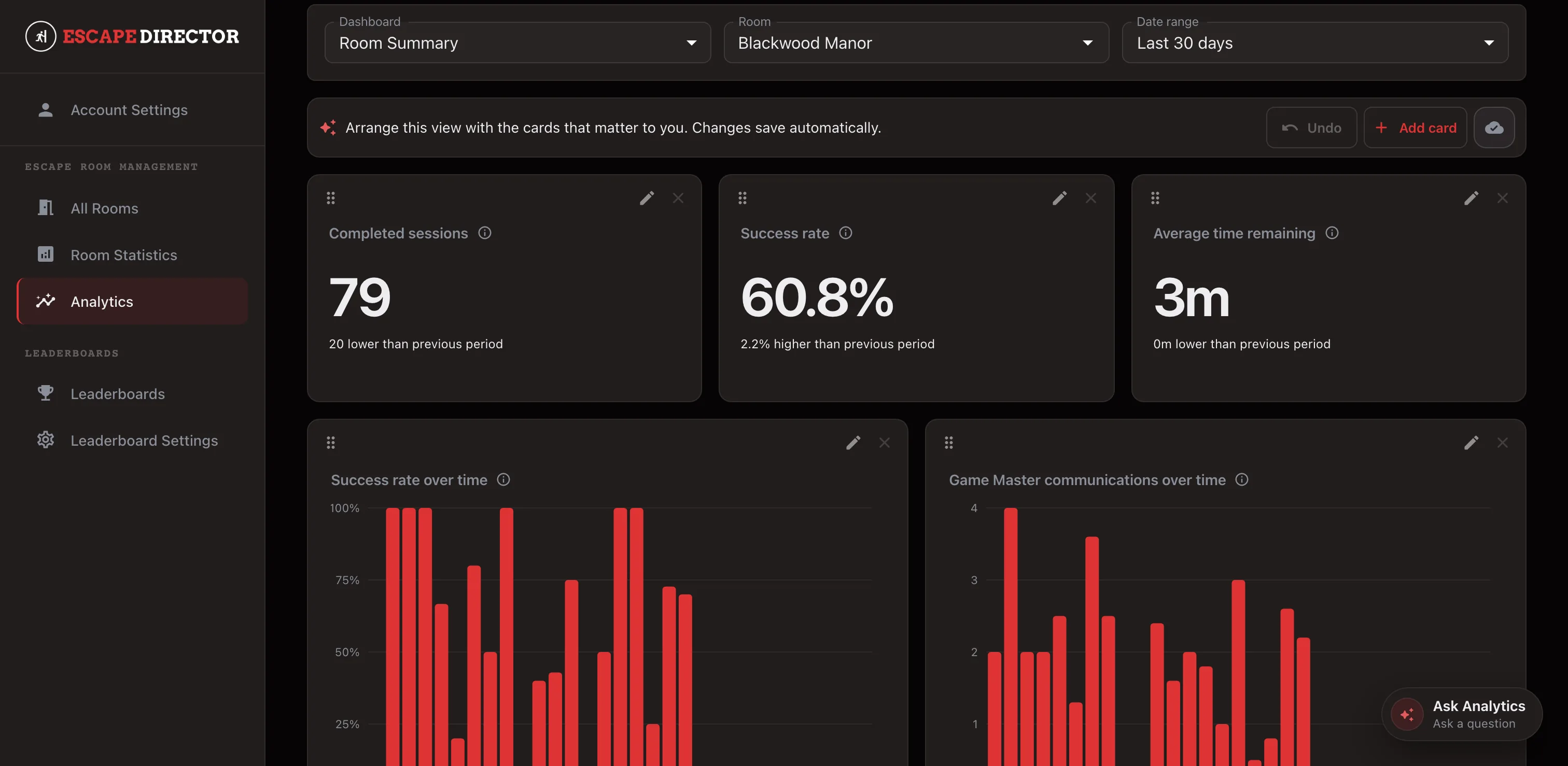
Ask Analytics opens beside the dashboard you are already reading. Start from a recommended question — “What stands out about this Room?”, “Are any Puzzles taking too long to solve?”, “Are any Puzzles using too many Clues?”, “How are my Game Masters performing?”, “Is this Room’s Success Rate improving or declining?” — or type your own.
The panel takes the selected Room, date range, and your time zone as defaults, so “this Room” means what is on screen. Change the dashboard, the Room, or the period and the conversation continues rather than restarting. You can also ask about another Room you own, all of your Rooms, or a longer stretch of history without leaving the chat.
Because the answers come from games you have already run, a question is worth asking while the night is still fresh — whether a Puzzle needs attention, or whether last month’s change to a Room actually helped.
Answers you can check
Ask Analytics runs the same governed metrics your dashboards use. It cannot write SQL, invent a formula, or define a metric of its own, so an answer and a card that claim the same measure are computed the same way.
Show calculation opens the evidence behind an answer: what the metric means, which Room Sessions were eligible, the named Room scope, the period and time zone, the sample size, and coverage. When the available sessions cannot support the question, the answer says so instead of estimating.
The assistant is read-only and works from aggregates. It is not given team names, notes, Clue text, custom messages, or individual Room Session records, and it has no tool that can change your data. If it suggests a dashboard card, that card is a proposal with its exact configuration shown; nothing is saved until you apply it.
Ask Analytics is available on active paid Pro plans. It has a monthly usage allowance, and the panel warns you as you approach it.
Keep going in the Product Guide
Find step-by-step instructions and more detail in the Product Guide.
Also in this update
Improvements
5
Improvements
5The date-range selector stays aligned when you move between Dashboards and Compare. Compare keeps its Room selectors inside the comparison workspace.
Choosing a metric when you add or edit a card is now a searchable list, and a metric that is no longer supported is shown as unavailable instead of quietly disappearing from the options.
Saved time and reported Clues are larger on the public leaderboard, so the supporting numbers stay readable from across a lobby without competing with the team name.
You can stop an answer while it is being written and ask something else instead of waiting for it to finish.
Mark an answer helpful or not helpful from the panel to send feedback.
Fixes
2
Fixes
2Stopping your very first question in a chat left that conversation open in the background instead of ending it.
Analytics dialogs opened behind the Ask Analytics launcher and could not be reached.